Size chart app
Size charts that look like your brand.
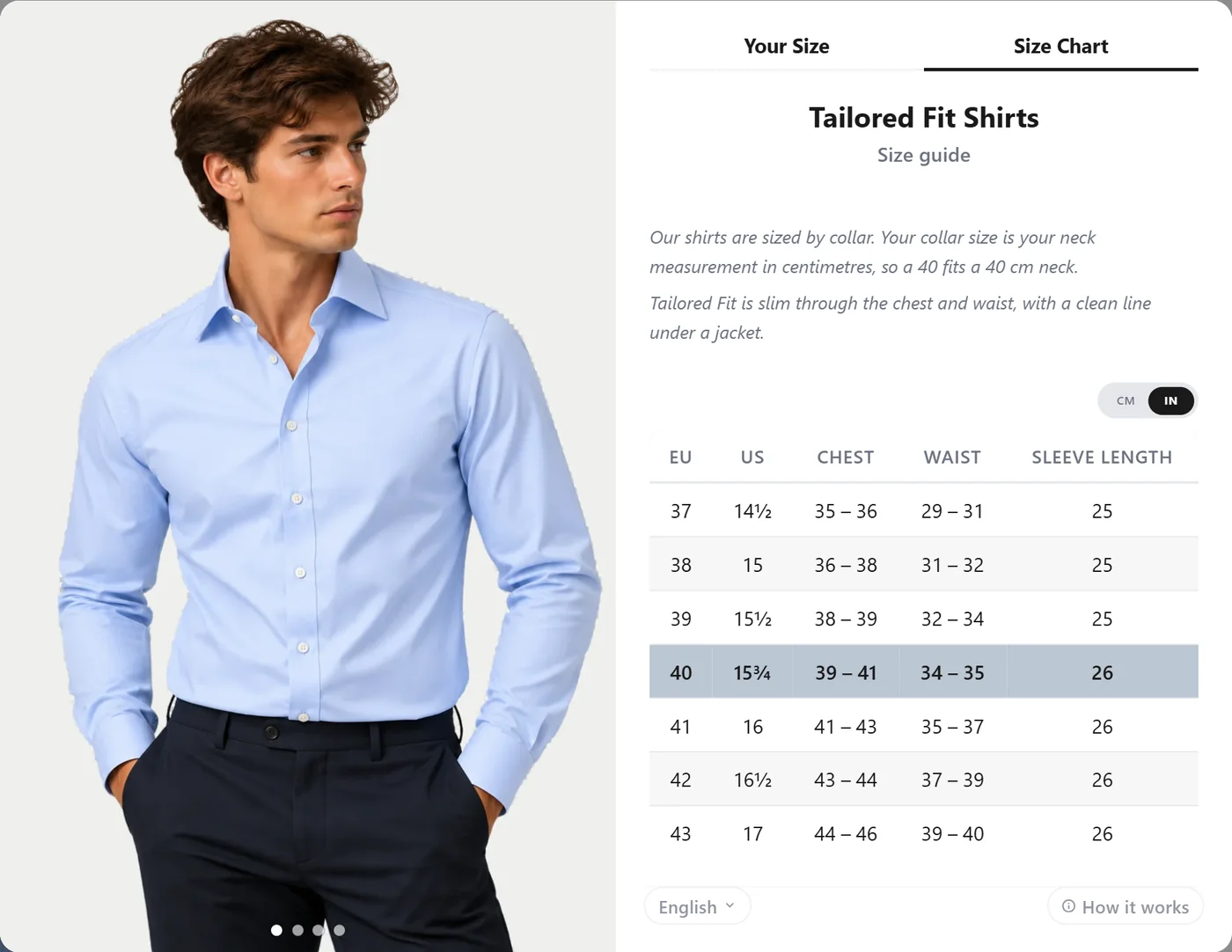
Build a size guide for every product in minutes. Paste your table, start from a template or snap a photo, then design it to match your store. Shoppers see your measurements and get a size recommendation in the same place.
Start in seconds
Templates, paste, CSV or a photo
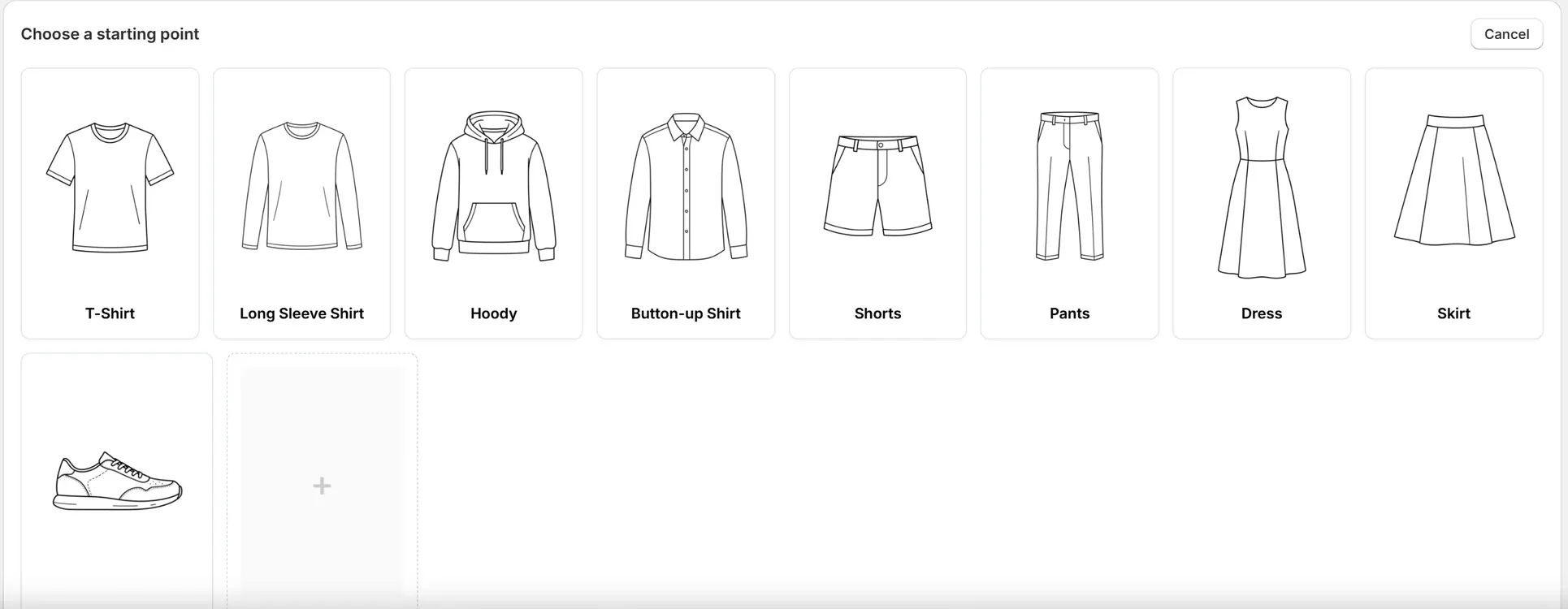
Start from a template for T-shirts, shirts, hoodies, trousers, dresses, skirts or shoes. Or bring the chart you already have: paste it from a spreadsheet, upload a CSV, or take a photo and let AI turn it into a table.
- Nine ready-made templates
- Paste and CSV import with a guided column check
- Photo to size chart with AI (Pro)
Every size system
EU, UK, US and letters, side by side
Add a column for every size system your shoppers use, such as EU, UK and US for shoes or IT and S/M/L for tailoring. Matching works with the size names in your store too, even combined names like “UK 7 | EU 41”.
- As many size columns as you need
- Shoppers answer the size question in any of them
- Centimetres, millimetres and inches, converted for shoppers
Design and content
More than a table
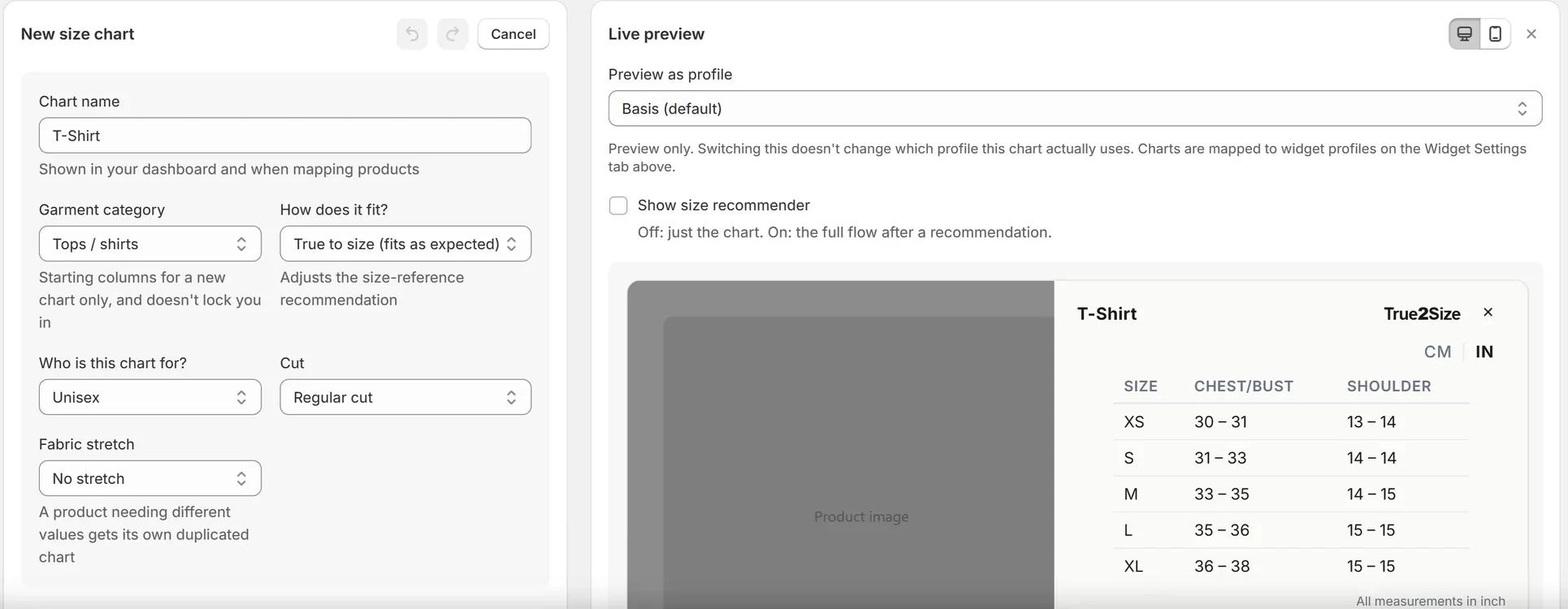
Add headings, formatted text with links, images and how-to-measure guides, extra tables for garment measurements, tabs, collapsible sections and a fit scale. Style the table to match your store and preview every change live.
- Text, images, tabs and collapsible sections
- Fit scale from snug to loose
- Model note, such as “Model is 186 cm and wears M”
Managing charts
Built for a whole catalogue
Set it up once and let new products take care of themselves.
Map by collection, tag or type
Link one chart to hundreds of products in a few clicks.
Automatic mapping
New products in a collection, or with a tag, get the right chart by themselves.
Import and export
Move charts between stores or keep a backup as a file.
Six languages
Widget text in six languages, your own chart text translated automatically on Pro.
A size chart app adds a size guide to your product pages, so shoppers can compare their measurements with yours before they buy. True2Size builds it from your own measurements and combines it with a size recommender.
Yes. Paste a table straight from a spreadsheet or website, upload a CSV file, or start from a template. On the Pro plan you can also upload a photo or screenshot of a chart and AI reads it into a table for you.
Yes. Add as many size columns as you need, such as EU, UK and US for shoes or IT and letters for tailoring. Shoppers see them side by side and can answer the size question in any of them.
Yes. Enter your measurements once in centimetres, millimetres or inches and shoppers switch between metric and imperial with one tap.
Yes. Link a chart to products one by one, or by collection, tag or product type. With automatic mapping, new products in that collection or with that tag get the chart by themselves.
The widget itself is available in six languages for free. On the Pro plan your own size chart text, headings and notes are translated automatically into the languages your store uses.
Your size chart, live today
Start from a template or import the chart you already have.